
Pico2Arcade: 13 Classic Arcade Games on a $5 Raspberry Pi Pico 2 — Now Open Source
Pac-Man. Galaga. Donkey Kong. Xevious. A handful of switches, a small color screen, a speaker — and a Raspberry Pi Pico 2 that costs about five dollars. Today we’re releasing Pico2Arcade, the arcade engine we built for our iCode devices, as a free, open-source project anyone can build at home.
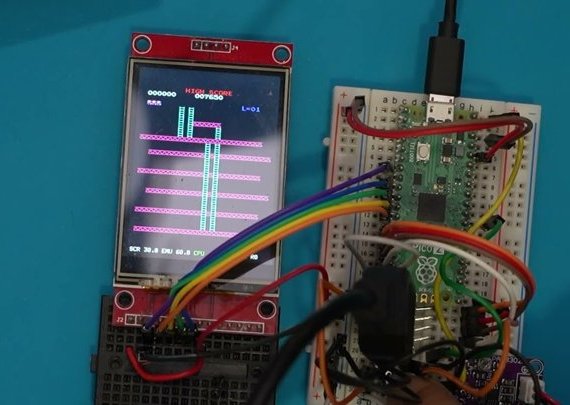
Watch the demo: a Pico 2 wired up on a breadboard, then playing.
Get it on GitHub: github.com/alijani1/Pico2Arcade
What Pico2Arcade Does
Pico2Arcade runs thirteen golden-age arcade games at their full 60 frames per second on the RP2350 chip inside the Pico 2:
- Pac-Man and Ms. Pac-Man
- Galaga
- Donkey Kong and Donkey Kong Jr.
- Frogger
- Dig Dug
- Xevious
- Space Invaders
- Super Cobra and Scramble
- Pooyan
- Time Pilot
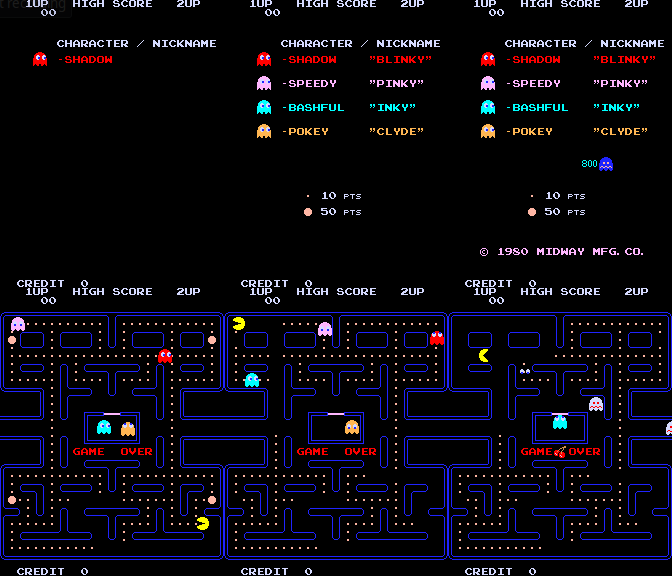 Pac-Man |
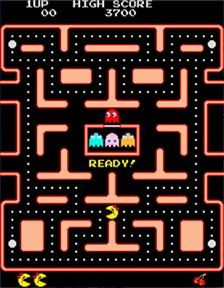 Ms. Pac-Man |
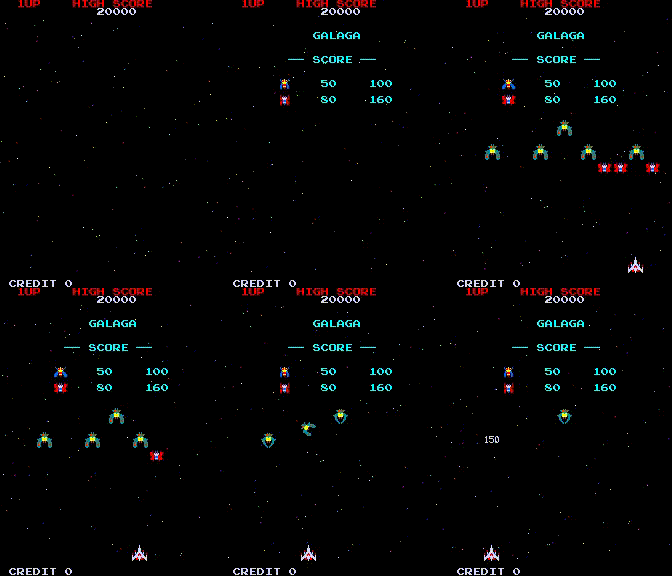 Galaga |
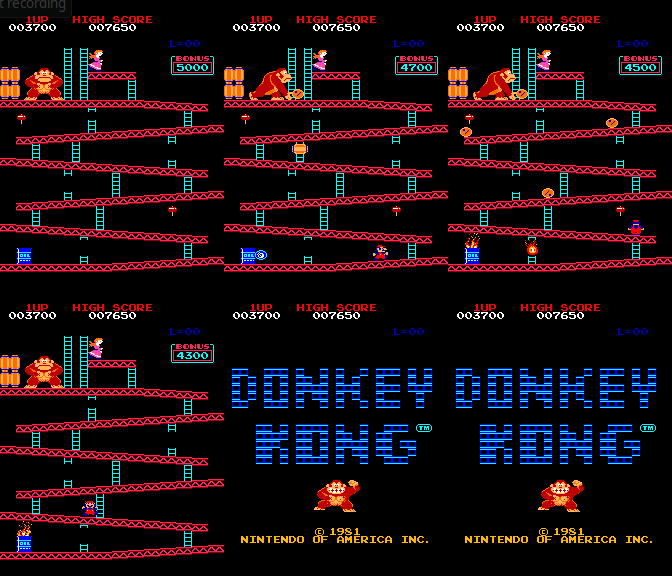 Donkey Kong |
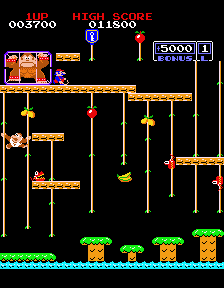 Donkey Kong Jr. |
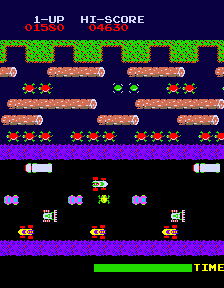 Frogger |
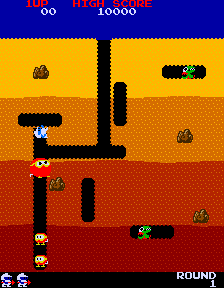 Dig Dug |
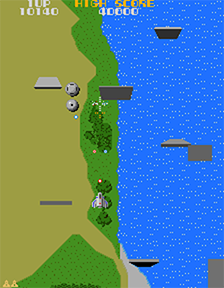 Xevious |
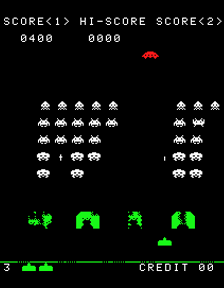 Space Invaders |
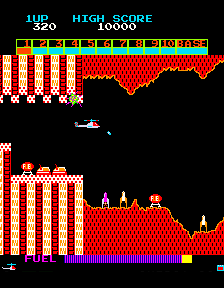 Super Cobra |
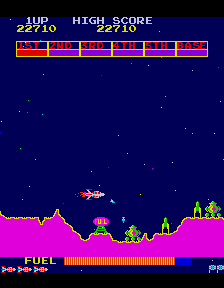 Scramble |
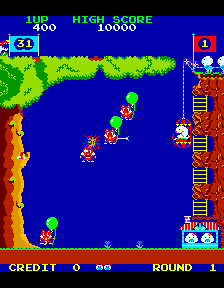 Pooyan |
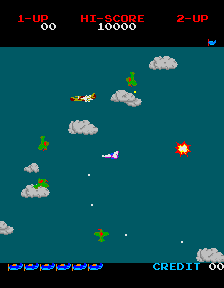 Time Pilot |
Game screenshots: GalaginoPlus (GPLv3).
What makes it different is how simple it is to use. There are no PC tools, no ROM conversion scripts and no rebuilding the firmware for each game. You flash one file onto the Pico 2. It shows up on your computer as a USB drive. You copy the original MAME ROM zip files onto it, eject it, and the games appear in the menu. That’s it.
A few touches we’re particularly proud of:
- Automatic ROM checking. Every zip is checked against the exact ROM set the game needs. A wrong or incomplete file shows up in red and tells you which file is missing — instead of a game that mysteriously refuses to start.
- High scores that survive power-off. The original cabinets forgot their high-score tables the moment they were switched off. Pico2Arcade saves each game’s table when you leave the game and puts it back the next time you play.
- Portrait or landscape. Play with the screen sideways, or turn it upright for the arcade’s original full-size picture.
- Two-button games. Xevious, Super Cobra and Scramble get separate fire and bomb buttons.
From an ESP32 Project to the Pico 2
Pico2Arcade stands on the shoulders of two excellent open-source projects. Till Harbaum’s Galagino proved that classic Z80-based arcade machines could be emulated on a tiny ESP32 microcontroller, and GalaginoPlus by VirtualClaudioBoy expanded it to many more games. We ported both to the Raspberry Pi RP2350 and rebuilt the parts that made them hard to use.
Loading real ROM files. The original projects convert ROM files on a PC with Python scripts and compile the converted data into the firmware — one build per set of games. We rewrote all of those converters in C so they run on the Pico itself. When you pick a game, Pico2Arcade unzips the ROM set straight from flash, decodes the graphics, palettes and sound data in memory, and starts the machine. Nothing ever has to be prepared on a computer.
Hitting 60 frames per second. Galaga runs three Z80 processors at once, which takes most of the time available in each frame. Getting it — and every other game — to a steady 60 fps on the RP2350 took a chain of careful choices: running the chip at 200 MHz, splitting the work so one core emulates the arcade hardware while the other drives the display, pushing each finished frame to the screen in a single 100 MHz SPI transfer, and pacing the emulator precisely against the display.
A cleanly licensed CPU core. Galagino’s original Z80 emulator isn’t licensed for commercial use, so we replaced it with superzazu’s MIT-licensed Z80 core and re-applied the speed optimizations the arcade games depend on. That’s what lets us ship Pico2Arcade inside our products — and release it openly for everyone else.
Build Your Own
All you need is:
- A Raspberry Pi Pico 2
- A 240×320 SPI color display with an ST7789 or ILI9341 controller (the common 2.0”–2.8” modules)
- A joystick or four direction switches, plus buttons for Fire, Start, Coin and Menu
- A small amplifier and speaker
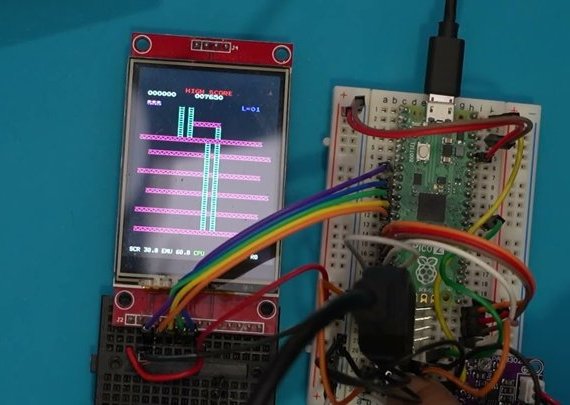
Every button is a simple switch to ground — no resistors needed. The repository includes a full wiring diagram, and the demo video above walks through the wiring in action.
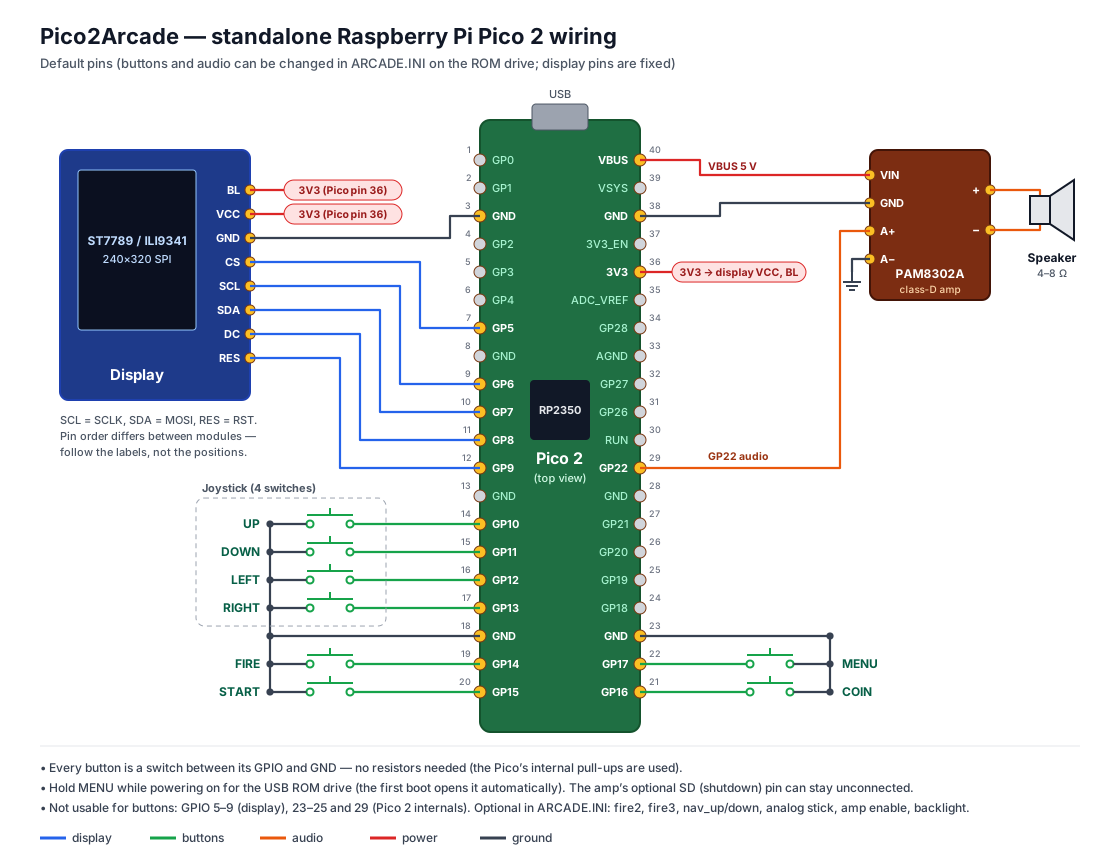
Pins can be changed in a plain text file on the Pico’s USB drive, so you can wire it whichever way suits your build.
Then flash the firmware, copy your ROM zips onto the ARCADE ROMS drive, and play. The README on GitHub has the step-by-step guide.
Built Into iCode Hardware
If you’d rather skip the soldering, Pico2Arcade is built right into iCode devices that already have the screen, controls and speaker. There, the arcade is one menu entry away and runs alongside the device’s main job:
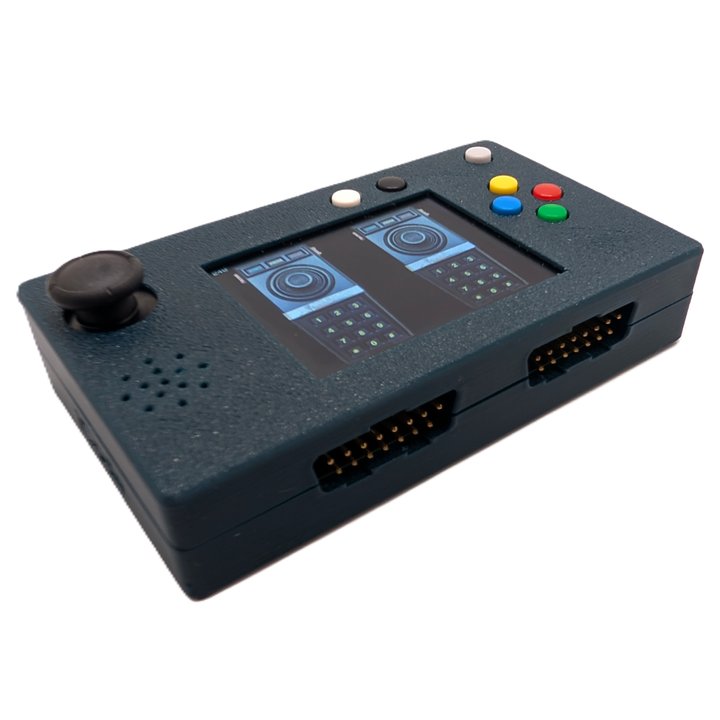
iCode Duo 5200 Ultimate — our dedicated USB adapter for Atari 5200 controllers. With firmware 1.1, its Mini-Games menu gains Arcade Games, played with your original Atari 5200 controller: the analog stick steers and both fire buttons work. Its 512 KB ROM drive holds every game.
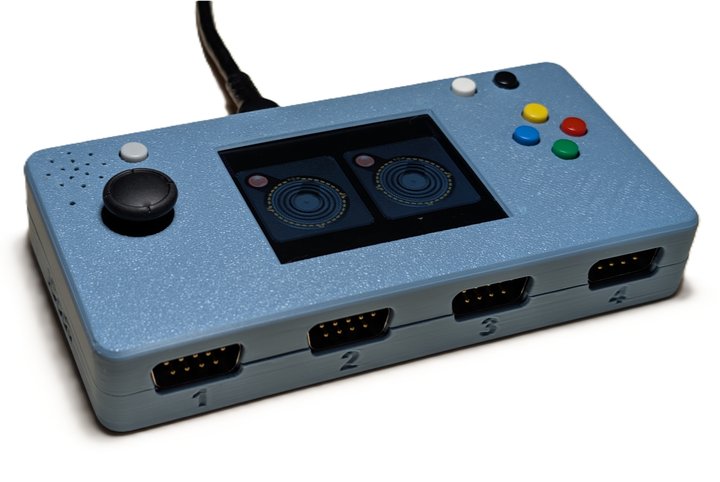
iCode Quad Ultimate CX / CX-W — our four-port Atari USB adapter, with Bluetooth on the CX-W. The arcade runs on its built-in color screen, played with an Atari joystick or the on-device thumbstick and buttons.
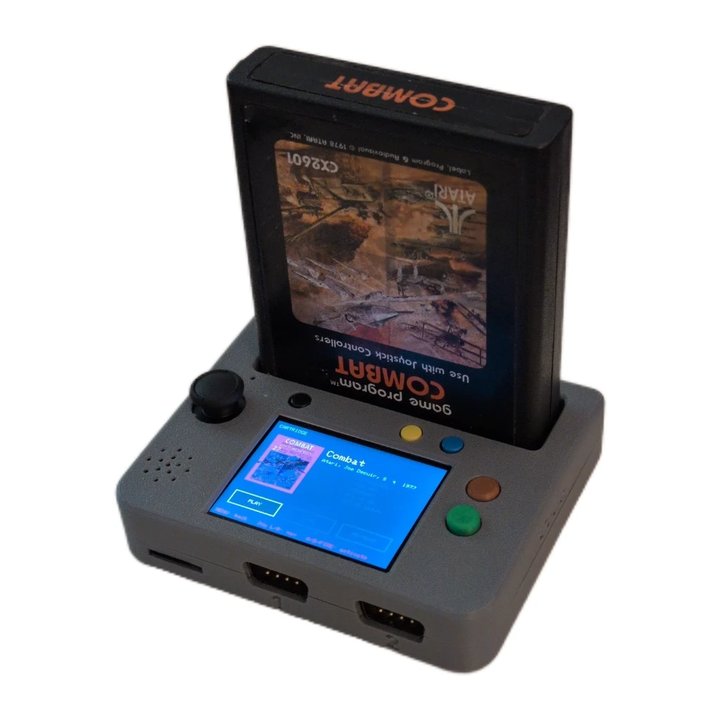
iCode 2600CartReaderPlayer — plays real Atari 2600 cartridges, and has an Arcade tile right next to the cartridge player.
Open Source, Your ROMs
Pico2Arcade is released under the GNU General Public License v3, like Galagino and GalaginoPlus before it. The code, wiring diagram and build guide are all on GitHub — contributions, new builds and new cases are very welcome.
One important note: ROMs are not included. The games’ ROM files are copyrighted, and you need to provide ROM sets you’re entitled to use.
We built Pico2Arcade because we love these games and wanted them to be as easy to play as plugging in a USB stick. We hope you have as much fun building and playing it as we did making it.
Get Pico2Arcade: github.com/alijani1/Pico2Arcade Watch the demo: youtu.be/qfoUFOv9sbY Shop iCode: icode.com